Bring Your Ideas
To Life!

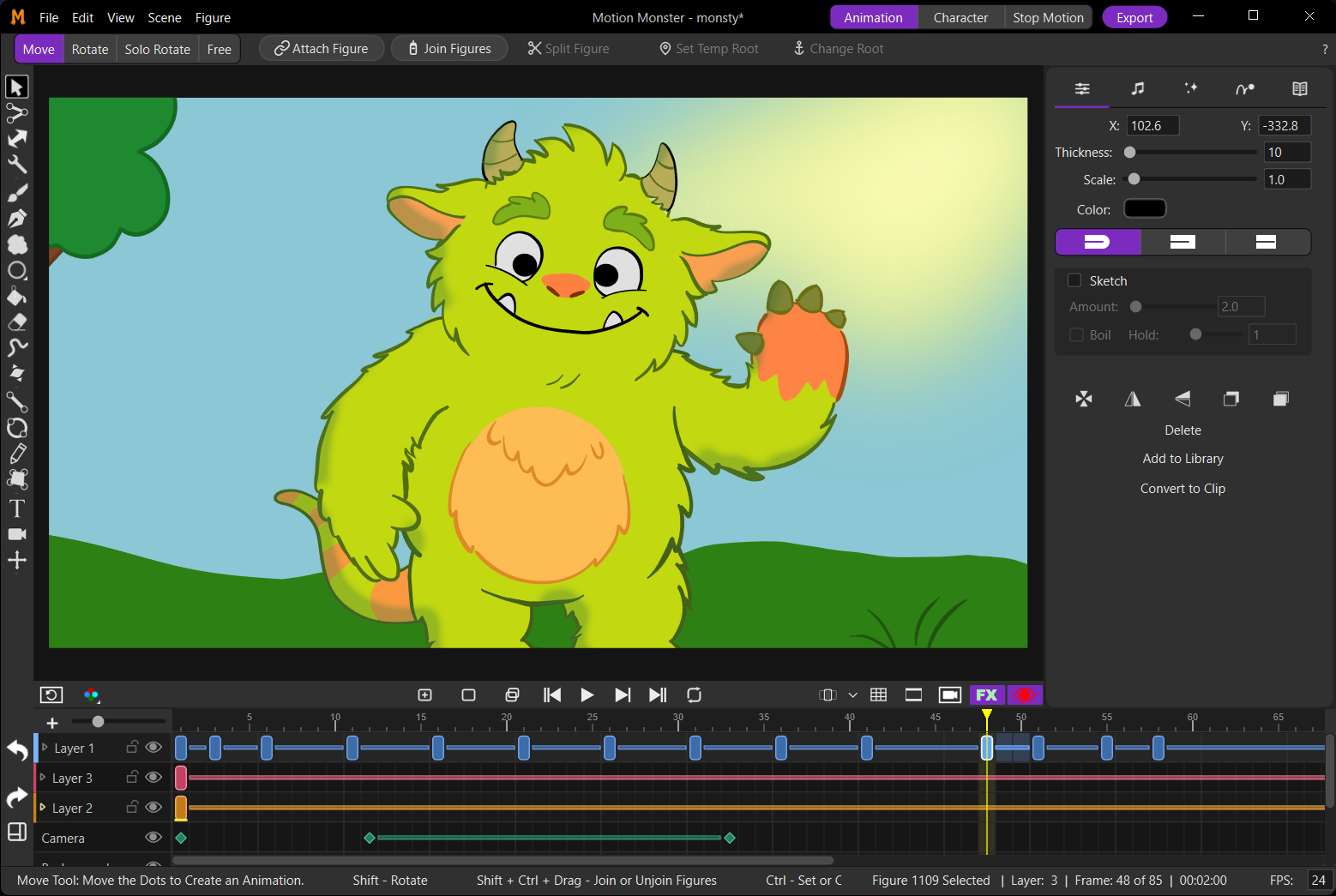
Motion Monster is the fun, powerful animation studio for creators of all levels. Animate your way with powerful rigging, expressive brushes, smooth tweening, stop-motion capture, audio, FX, and more — all in one delightful app — at home, in the classroom, or on a professional production.

macOS  ·  Windows

Motion Monster
Motion Monster app screenshot
🎬
Screenshot coming soon

Everything You Need to Animate

Motion Monster packs a full professional toolkit into an interface that's actually fun to use.

🦴

IK Rigging

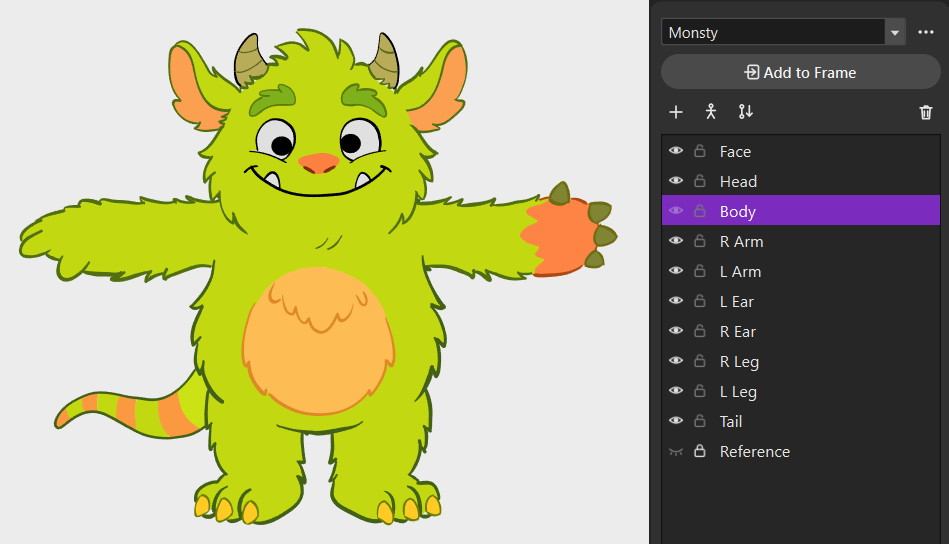
Rig characters with inverse kinematics for natural, effortless movement. Perfect for character animation without endless keyframing.

🔀

Smart Tweening

Let Motion Monster do the in-between work. Create smooth motion, fades, and transformations between keyframes automatically.

🖌️

Brush Engine

Draw with stamp brushes, textured fills, and expressive strokes built for animation. A deep brush library out of the box — plus custom stamp and texture import*.

📷

Stop Motion

Capture frame-by-frame with a webcam — live view, onion skin, focus tools, and a dedicated Stop Motion workspace, free. Canon EOS cameras* unlock in Studio.

🎵

Audio Integration

Import audio tracks or record directly in the app. Sync your animation to music or dialogue with a visual waveform* and sound FX* on the timeline.

🎞️

Frame-by-Frame

Hand-draw every moment to match your vision. The intuitive timeline keeps every frame organized and easy to edit.

Scene FX

Add visual flair with non-destructive figure and scene effects. Glow, blur, and outline on characters; grain and pixelate across the scene — plus particles*, layer FX*, and premium figure FX*.

Studio
⚛️

Physics

Simulate gravity, collisions, and dynamic motion with live physics. Bake simulations to keyframes or add explosions for scenes that feel alive.

* — Studio-only upgrade within that feature · The Studio badge marks features that require Motion Monster Studio

Motion Monster was made by a teacher for classrooms like yours. It supports accessibility needs too — see our Accessibility (VPAT) statement for schools and organizations.

Latest Tutorials

Tips from the Motion Monster YouTube channel.

Loading latest videos…

View all on YouTube →

Pick Your Edition

Start free, then grab Studio at 50% off during our launch sale — $29.99 $14.99 No subscription.

Motion Monster Free

$0

Download and start animating

  • IK rigging & smart tweening
  • Stop motion capture with webcam
  • Up to 3 layers
  • Up to 5 linked colors
  • Built-in brushes & textures
  • Basic figure & scene FX
  • Audio import & recording
  • Export up to 1080p (MP4, GIF, PNG)
  • Asset library
Download Now

Motion Monster Studio

$29.99 Launch Sale — 50% Off
$14.99

Launch sale · no subscription

Everything in Motion Monster, plus:

  • Canon EOS stop-motion camera support
  • Physics (live sim, bake, explosions)
  • Layer FX & premium figure FX
  • Advanced scene FX (particles, invert, & more)
  • Unlimited layers & linked colors
  • 4K & transparent GIF / PNG export
  • Audio waveform & sound FX
  • Lip sync — match mouth shapes to dialogue
  • Morphs — extra shapes on clips (blinks, smiles, squash)
  • Custom stamps, textures & import/export
  • Sketch / boil line wobble
Get Studio — $14.99

Try the free version first. Studio activates offline with your license key. Terms · Privacy

Start Animating Today

No account required. No subscription. Download and start animating.

macOS

macOS 12 or later
Apple Silicon recommended

Download for Mac

Windows

Windows 10 or later
64-bit

Download for Windows

System requirements

macOS

Minimum: macOS 12, 8 GB RAM, Apple Silicon preferred

Recommended: Apple Silicon Mac, 16 GB RAM

Windows

Minimum: Windows 10, 8 GB RAM, Intel N100/N200 or better (or equivalent AMD)

Recommended: Windows 11, Core i3 or better (or equivalent AMD), 16 GB RAM

Start animating now. Upgrade to Studio — $14.99 launch sale (50% off for a limited time).